DotFix ZIP Forensics is designed to solve a wide range of tasks related to extracting and analyzing files compressed in popular archive formats:
1. Recovery of Damaged or Incompletely Downloaded Archives: Unlike other similar tools, DotFix ZIP Forensics scans the entire archive file, not just up to the first corrupted block, and attempts to recover every file inside. For example, if a damaged archive contains 100 files but only 2 are corrupted, this product will fully recover 98 files and even attempt to partially restore the 2 damaged ones to the extent possible. In the case of images or text files, even partial recovery is often extremely useful.
2. Support for Multiple Archive Formats: In addition to ZIP, DotFix ZIP Forensics fully supports 7-Zip (.7z), RAR (.rar), TAR and TAR.GZ / TGZ archives. All formats share the same unified interface: file tree, status bar, and preview panel. The archive format is detected automatically by magic bytes, not just by file extension — so the correct format is identified even for renamed or extension-less files.
3. Data Extraction from Binary Files: The tool can extract data from any binary file types, including firmware dumps of various controllers and microprocessors, ISO disk images, and containers from different systems, if the data inside was compressed using ZIP algorithms. Even if these images or dumps are partially damaged and unreadable by other programs, if there is at least one ZIP container inside, the program will attempt to recover the files, either fully or partially.
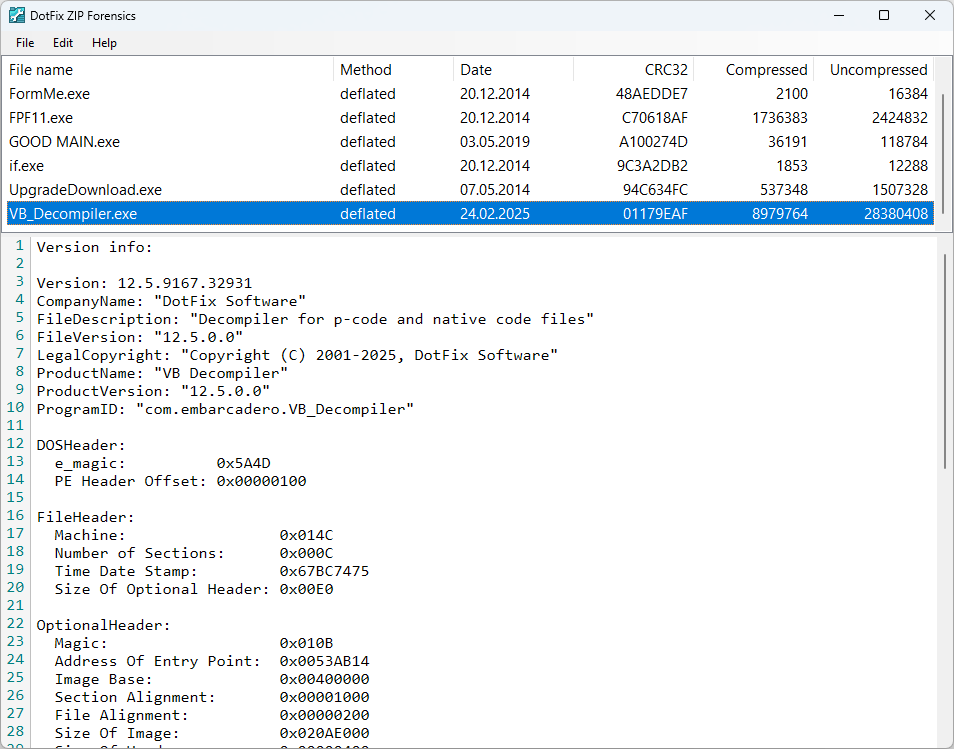
4. Forensic Analysis of Archives and Binary Files Without Disk Extraction. DotFix ZIP Forensics supports on-the-fly analysis of numerous file formats directly within the archive without extracting them to disk. The file tree displays the full folder structure of the archive exactly as it was packed, with file type icons resolved from the OS shell. The status bar shows the file name, compression method, date, CRC, compressed and uncompressed size for the selected entry.
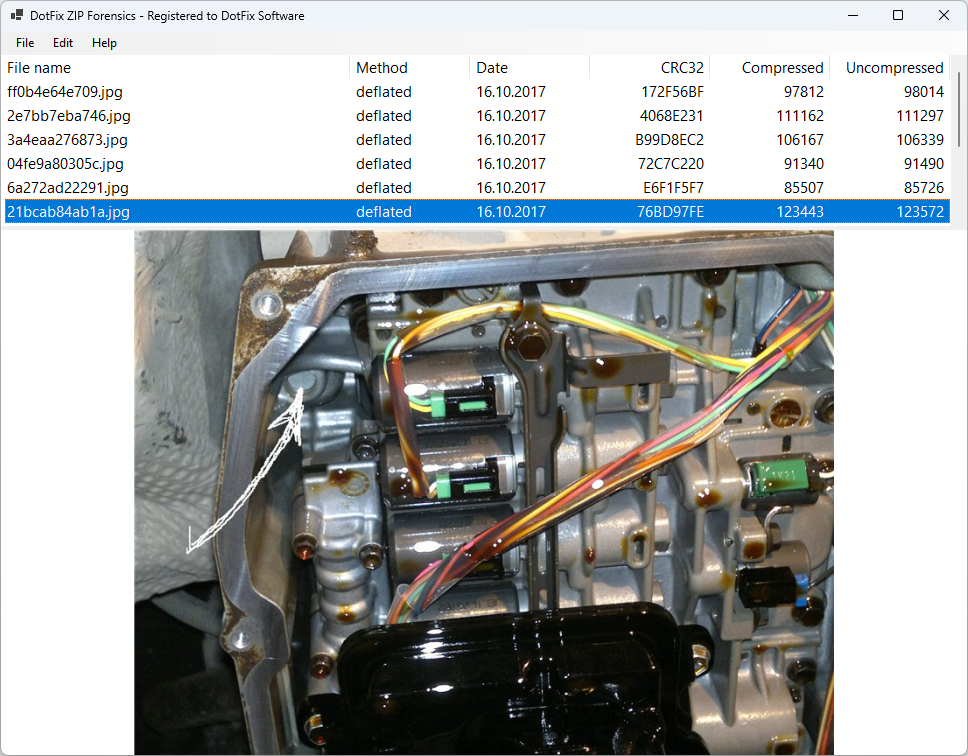
a) Display of JPG, PNG, GIF, BMP and ICO images; moreover, recognition of JPG, PNG and GIF formats is performed even if the files do not contain extensions
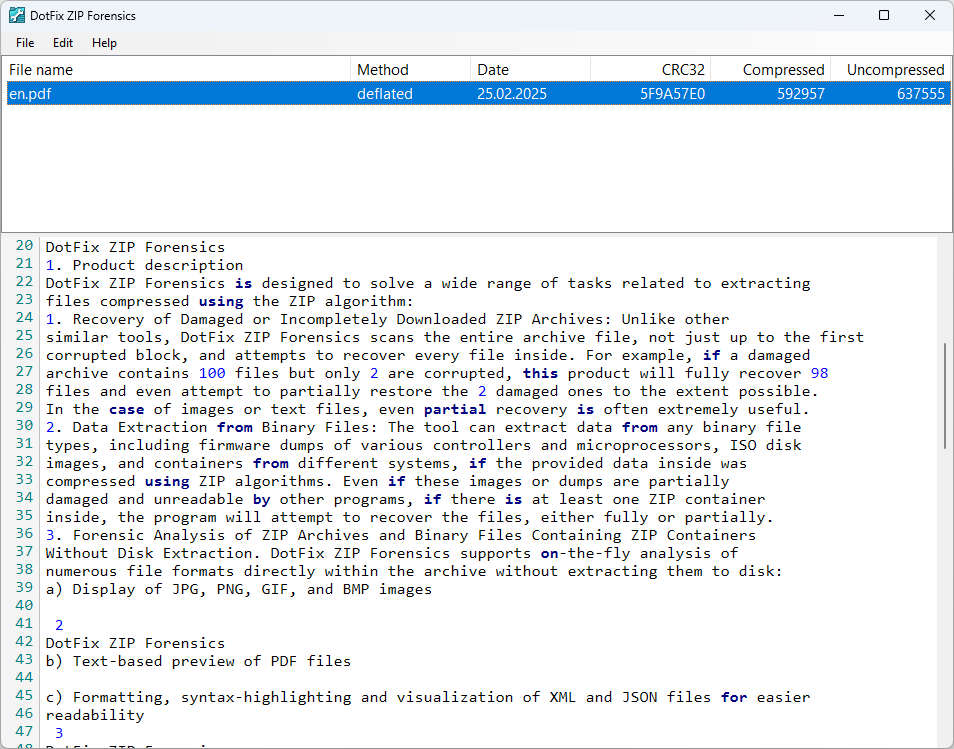
b) Text-based preview of PDF files
c) Preview of Word documents in DOCX, DOC and RTF formats, and Excel spreadsheets in XLS and XLSX formats — rendered as formatted text directly in the preview panel without any Office installation required
d) Thumbnail preview of PSD / PSB (Adobe Photoshop) and CDR (CorelDRAW) files using the embedded preview image stored inside the file
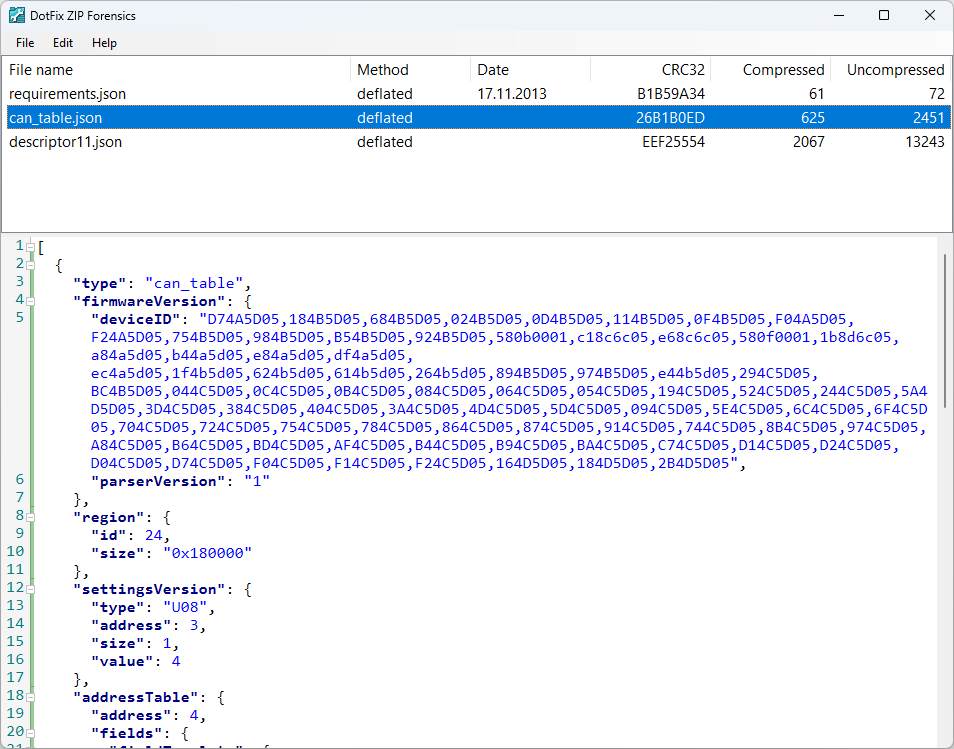
e) Formatting, syntax-highlighting and visualization of XML and JSON files for easier readability
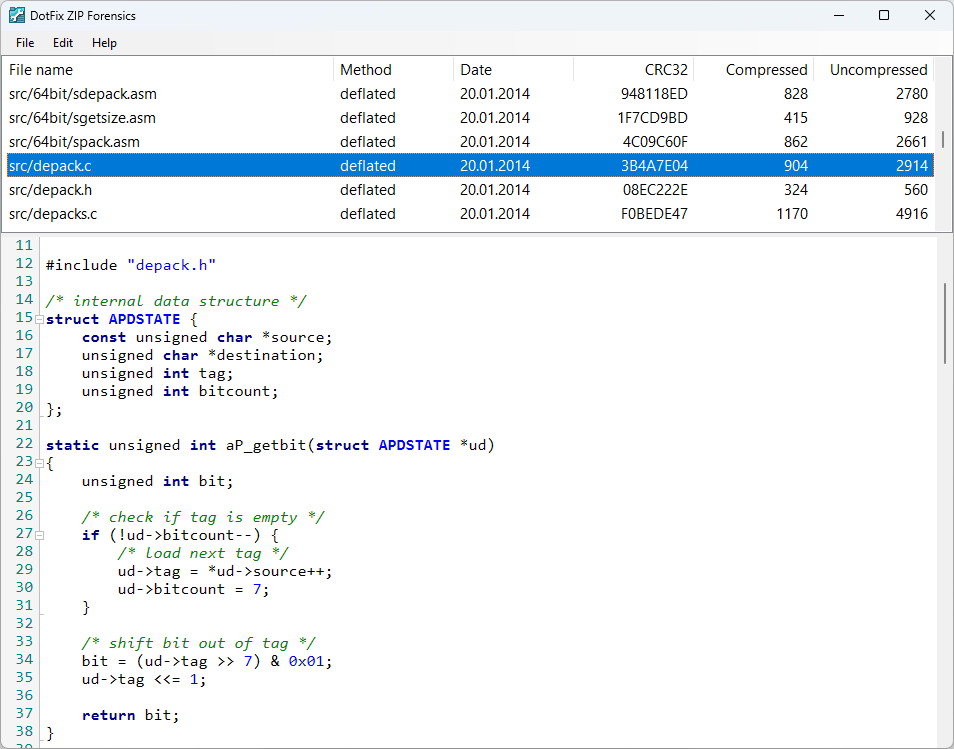
f) Syntax-highlighted display of source code files in C#, C++, C, Visual Basic, HTML, Java, PHP, and other languages, with collapsible/expandable procedure blocks for an intuitive way to analyze archived source code
g) Overview information for EXE, DLL and OCX files, including headers, sections, directories, version information, copyright details, and application name
5. Partial File Recovery from Partially Corrupted Backups. Even if the first and last files are undamaged but there are megabytes of corruption in the middle, the program can still recover the intact files. It automatically identifies which parts of the archive can be partially restored.